
xCurrency mini1.1.2 - App Store
You'll be able to see results in few seconds.
Publisher Description
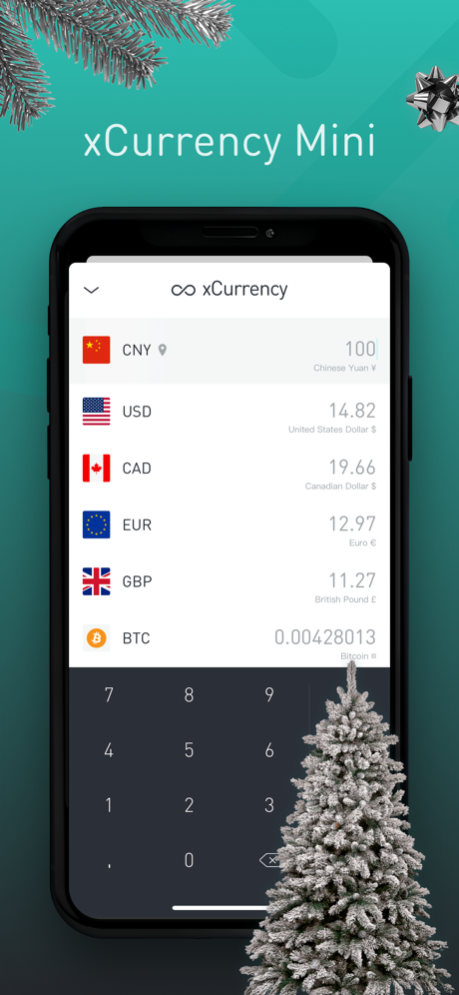
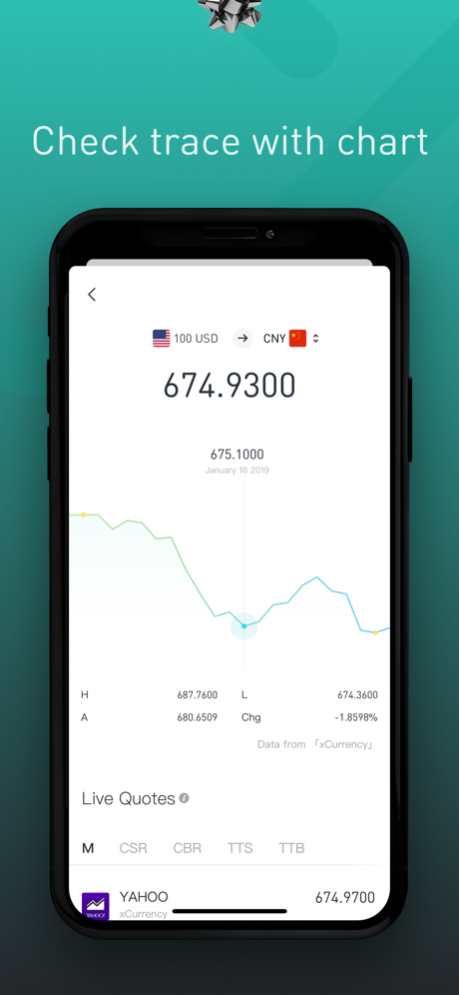

What function do you wish a money converter were able to provide?The new member of the “x”family - “xCurrency mini” could be you tailor liked assistant, Real-time rate checking and trace the market trend function help you manage your foreign asset in a wise way.
Moreover, there are some creative features are on the way, there is much for you to look forward to.
An entirely new and simple way to currency convert is at your fingertips.
FEATURES
- Material and minimalism design
- Intuitive and simple to use
- Get real-time updates for global exchange rates
- Switch currencies with swipe
- Identify the local currency according to your location(it will request location permission)
- Six colorful theme by your choice
- Free to check historical rate within last three years
- Adjust exchange rates depending on your actual situation
- Exchange rates for bit coin, gold and silver are available
- Ads free
Contact: hi@tratao.com
Thank you for your support.
Jan 11, 2021
Version 1.1.2
-Optimized the display effect of the exchange rate curve;
-bug fix;
About xCurrency mini
The company that develops xCurrency mini is Travel Tao, Ltd.. The latest version released by its developer is 1.1.2.
To install xCurrency mini on your iOS device, just click the green Continue To App button above to start the installation process. The app is listed on our website since 2021-01-11 and was downloaded 0 times. We have already checked if the download link is safe, however for your own protection we recommend that you scan the downloaded app with your antivirus. Your antivirus may detect the xCurrency mini as malware if the download link is broken.
How to install xCurrency mini on your iOS device:
- Click on the Continue To App button on our website. This will redirect you to the App Store.
- Once the xCurrency mini is shown in the iTunes listing of your iOS device, you can start its download and installation. Tap on the GET button to the right of the app to start downloading it.
- If you are not logged-in the iOS appstore app, you'll be prompted for your your Apple ID and/or password.
- After xCurrency mini is downloaded, you'll see an INSTALL button to the right. Tap on it to start the actual installation of the iOS app.
- Once installation is finished you can tap on the OPEN button to start it. Its icon will also be added to your device home screen.
Program Details
System requirements
Download information
Pricing
Version History
version 1.1.2
posted on 2021-01-11
Jan 11, 2021 Version 1.1.2
-Optimized the display effect of the exchange rate curve;
-bug fix;
Disclaimer
Official App Store Link
We do not host xCurrency mini on our servers. We did not scan it for viruses, adware, spyware or other type of malware. This app is hosted by Apple and passed their terms and conditions to be listed there. We recommend caution when installing it.
The App Store link for xCurrency mini is provided to you by apps112.com without any warranties, representations or guarantees of any kind, so access it at your own risk.
If you have questions regarding this particular app contact the publisher directly. For questions about the functionalities of apps112.com contact us.
